Free Android App · Open Testing
Can you name a chord
when you hear it?
Three quiz modes help you connect chord names, shapes and sounds. Free Android app, built around chords from real songs.
Free download — no in-app account required.
Three ways to quiz yourself
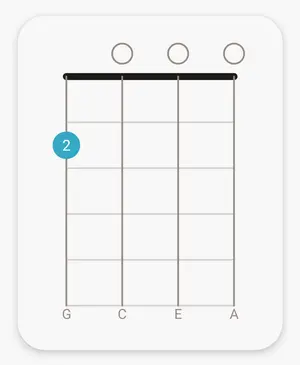
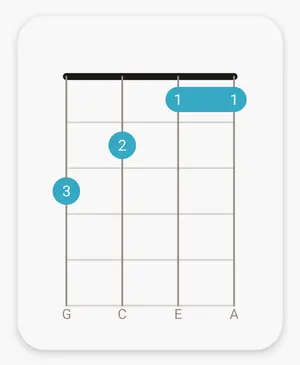
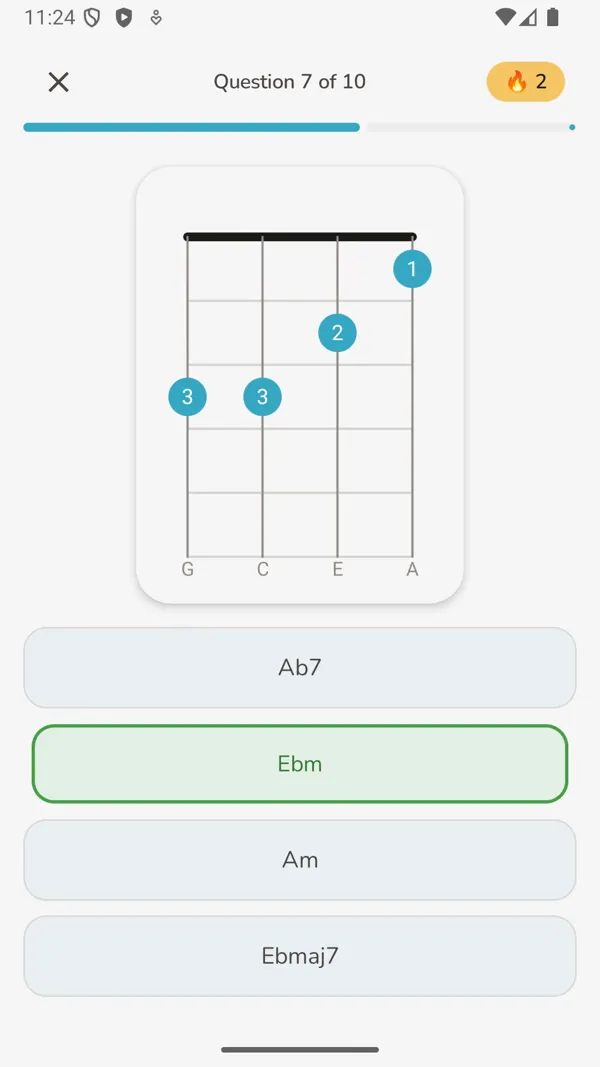
Name that Chord
A chord diagram is shown. You pick the chord name from four options.
Find that Chord
A chord name is shown. You pick the chord diagram from four options.
Ear Training
A chord is sound played. You pick the chord diagram from four options.
See the app
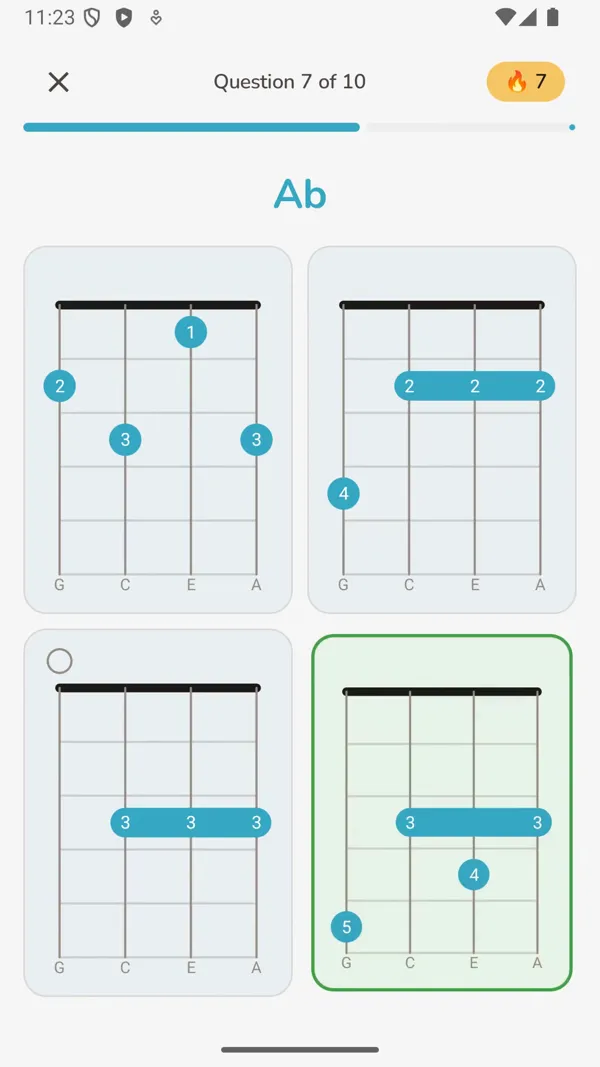
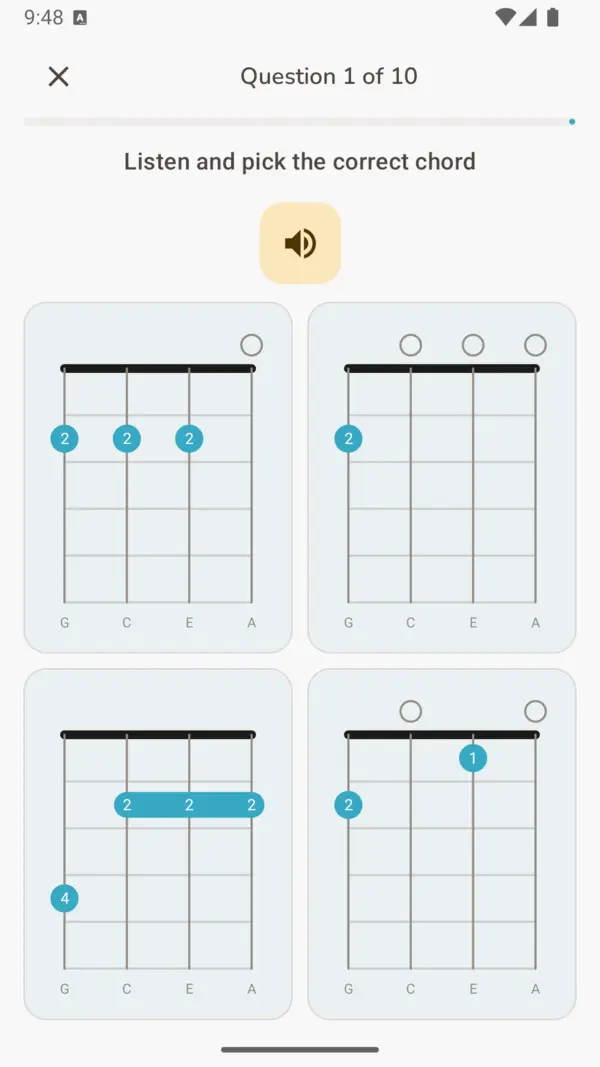
See it in action
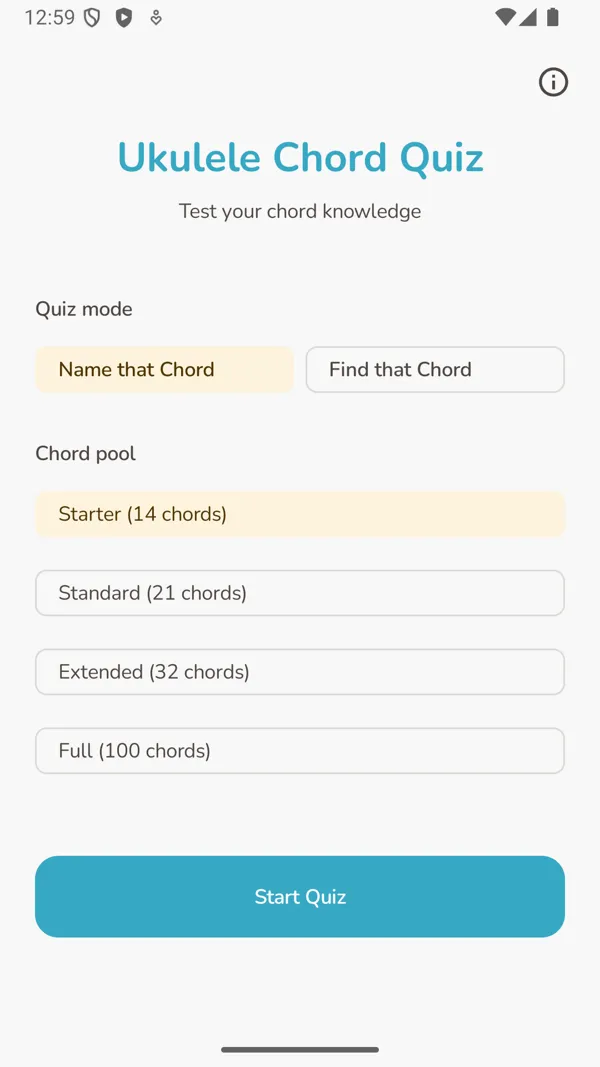
Watch a short demo showing the three game modes, the reference and progress screens.
Built for how practice actually works
Four chord pools
Start with the Starter set of beginner chords and work up through Standard, Extended, and Full at your own pace.
Chord reference
Browse all chords in a searchable visual library, grouped by learning tier. Includes multiple voicings where applicable.
Progress tracking
The app tracks your results per chord and per mode, so you can see where your recognition is solid and where it still needs work.
Free, no fuss
No subscription, no sign-in required to play, no ads. Just practice.
Chord tiers are informed by frequency data from thousands of ukulele play-along videos in the UkeAlong index, so the structure reflects what actually comes up in real songs.
Get early access to new features
The app is actively developed. Join the testers group to try new features before they are published, and help shape the app with your feedback. Your input is taken into account.